BRA5,BRA6を以下からDownload
ZIPを解凍して「models\Stable-diffusion\」に入れて再読み込み。
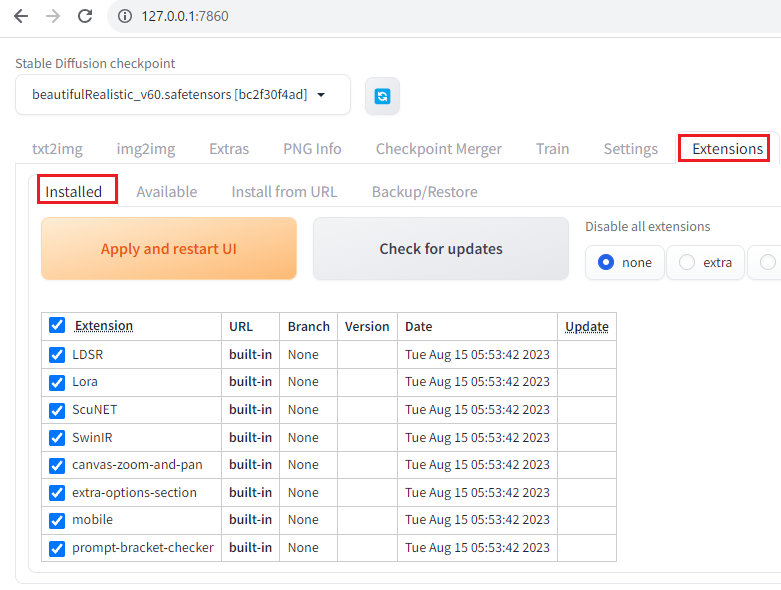
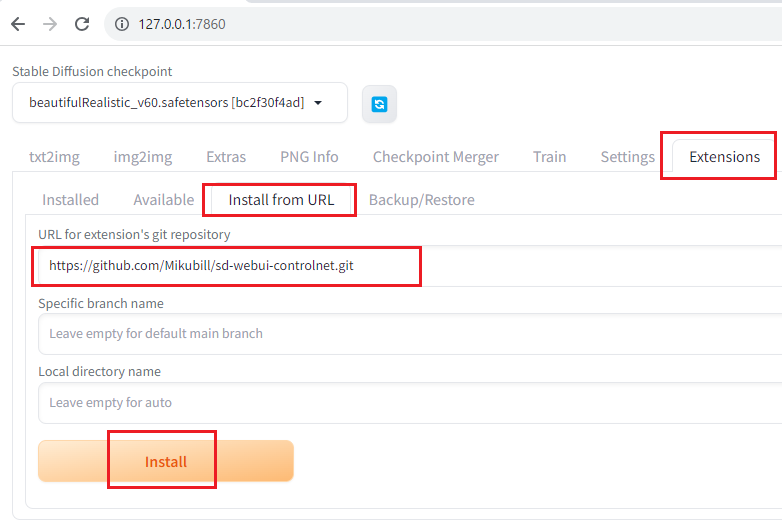
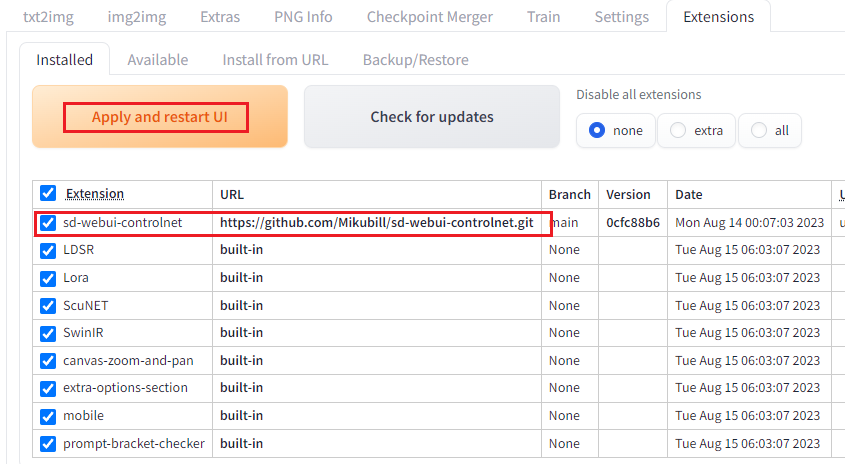
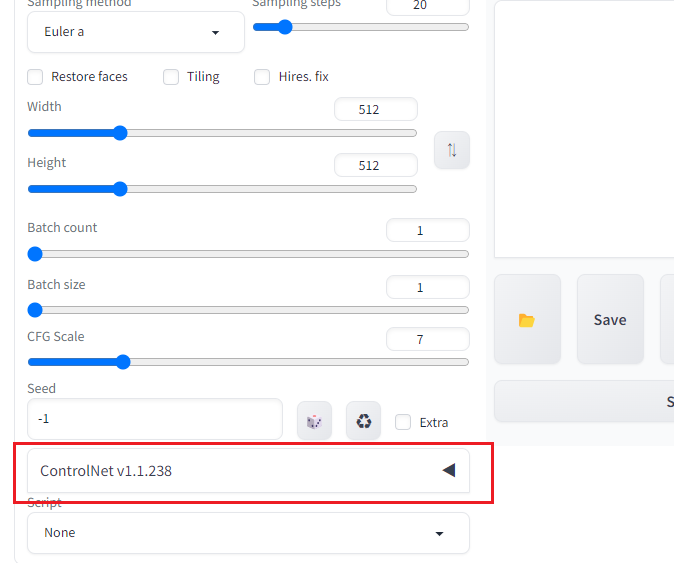
https://koneko3.com/how-to-use-controlnet/
「Dynamic Prompt」はプロンプトの中に{|}を使うことで、1つの呪文(プロンプト)を何パターンかに分けて、それぞれを画像生成する
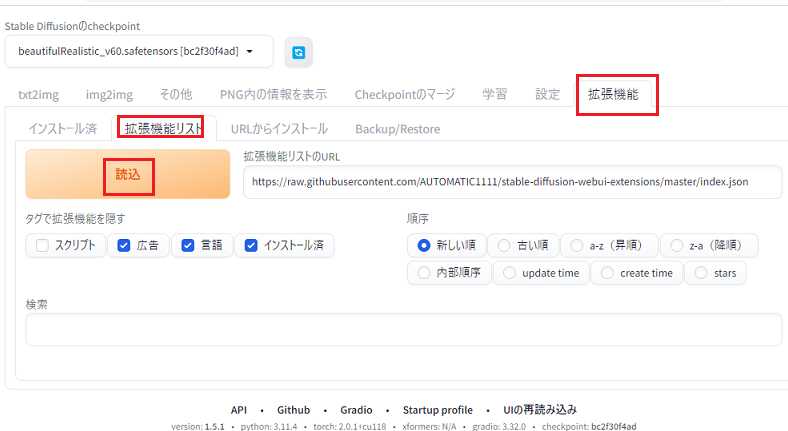
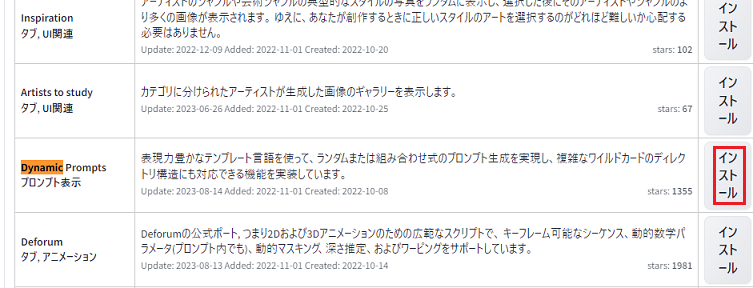
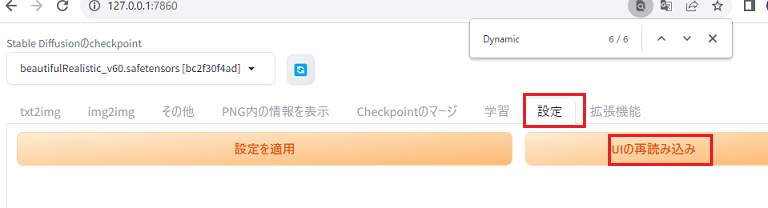
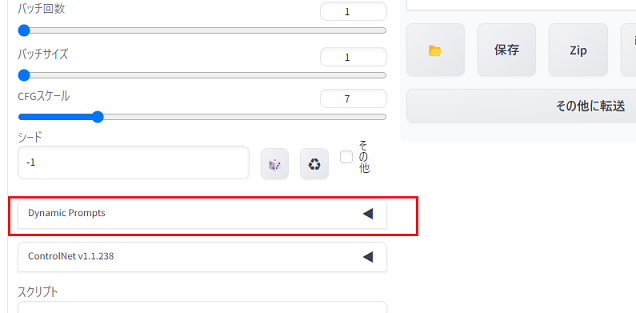
以下のエラー対応
RuntimeError: Not enough memory, use lower resolution (max approx. 512x512).
' Edit by JE2ISM
'set COMMANDLINE_ARGS=
set COMMANDLINE_ARGS=--medvram
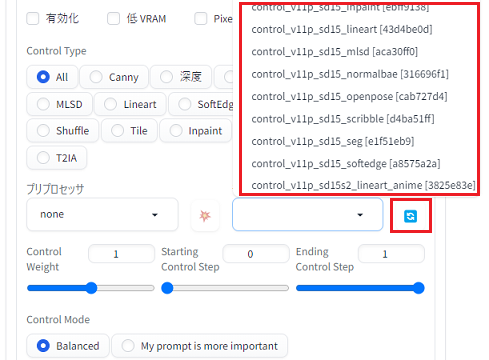
Controlnetをインストールしただけだとモデルが入っていないので、Downloadしてインストールする
14種類をDownloadする
以下のURLにアクセス
「controlnet」を検索する
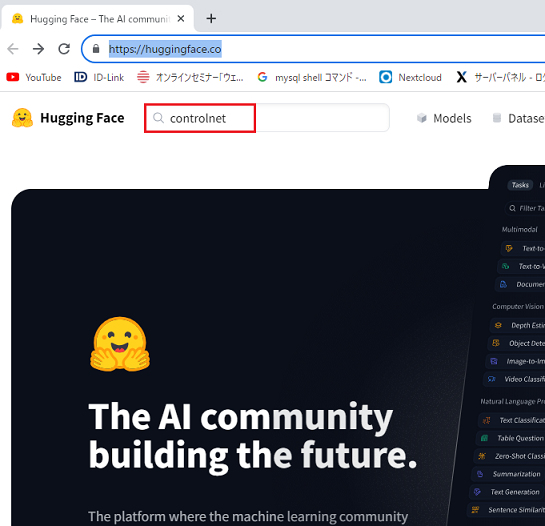
以下のURLにジャンプする
https://huggingface.co/lllyasviel/ControlNet-v1-1
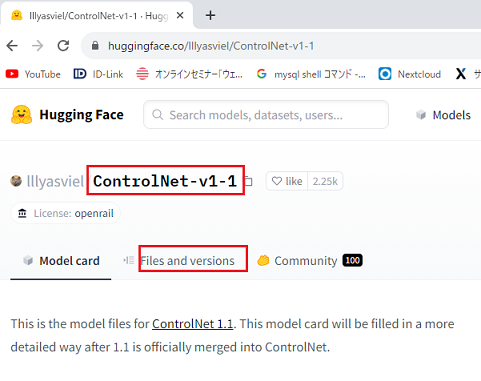
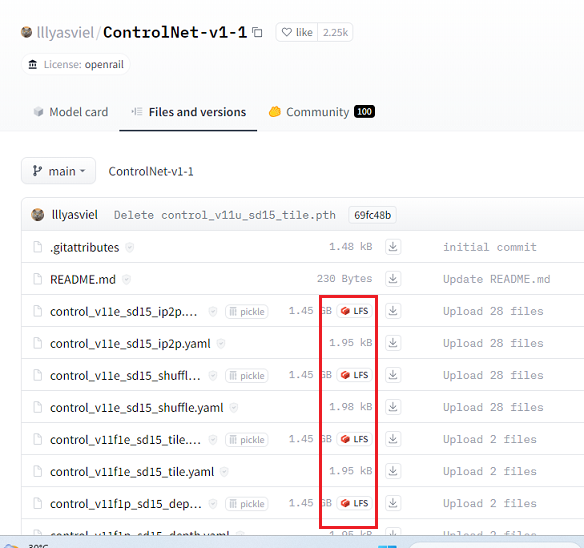
適当な画像(プロンプトの内容に合うような画像)をドラッグ&ドロップして以下のようにしてみた
a businesswoman in the midst of a sales pitch, earnestly engaging and persuading her audience.
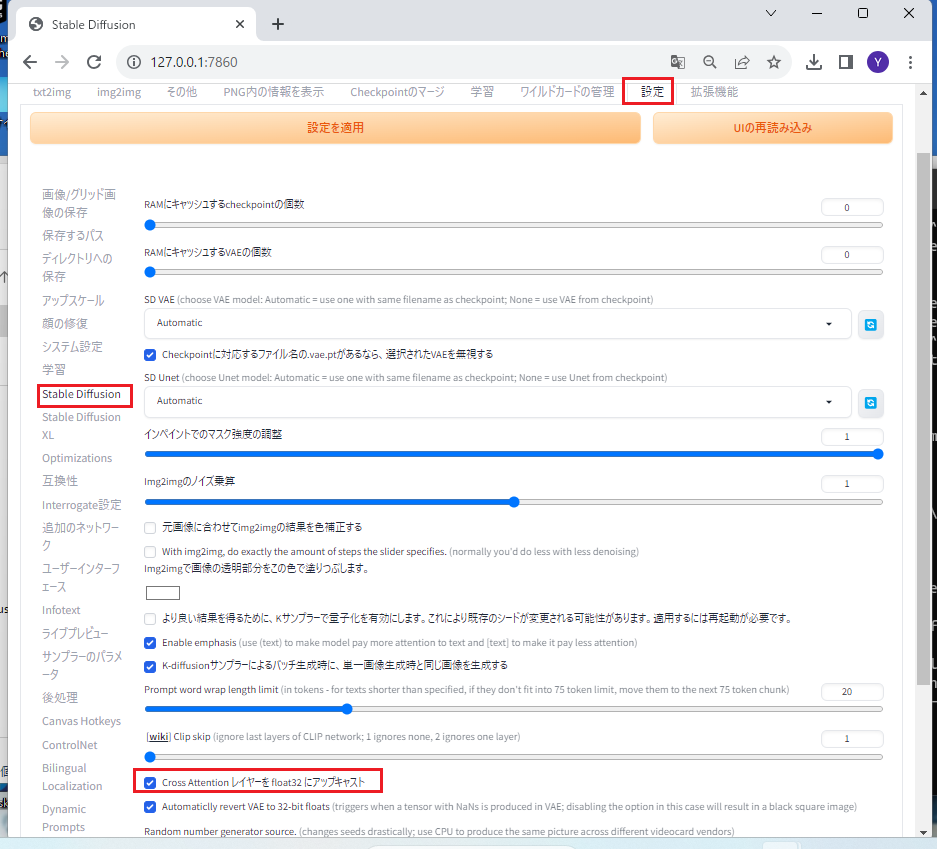
A tensor with all NaNs was produced in Unet. This could be either because there's not enough precision to represent the picture, or because your video card does not support half type. Try setting the "Upcast cross attention layer to float32" option in Settings > Stable Diffusion or using the --no-half commandline argument to fix this. Use --disable-nan-check commandline argument to disable this check.
webui-user.batに以下を追加
set COMMANDLINE_ARGS=--no-half
' Edit by JE2ISM
'set COMMANDLINE_ARGS=
set COMMANDLINE_ARGS=--medvram --no-half
今回は不要のようだが以下の変更も有効のようだ